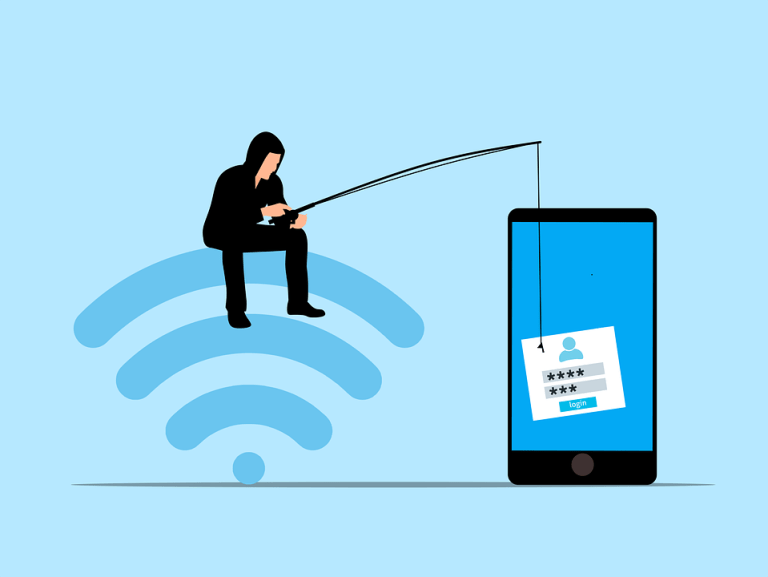
Phishing has always been a threat since email came on the scene. No matter the domain, Microsoft 365, Gmail and Google Suite, Yahoo, and all the rest… Cyber threats have been part of the equation. Now, with AI in the mix, email can be more dangerous than ever. Phishing 2.0 is here. It’s smarter, more convincing, faster to evolve, and harder to detect. Understanding this new threat is crucial, as is the importance of having a business email antivirus in place with updates.
A recent study found a 60% increase in AI-driven phishing attacks. This is a wake-up call that phishing is only getting worse. Here’s how AI is amplifying phishing and what you can do to protect yourself, your business and your IT infrastructure.
The Evolution of Phishing
Phishing began simply. Attackers sent out mass emails hoping someone would take the bait. The emails were often crude, using poor grammar and obvious lies were common. Many people could spot them easily.
But times have changed. Attackers now use AI to improve their tactics. AI helps them craft convincing messages to appear more personal. It also helps them target specific individuals. This makes phishing more effective.
How AI Enhances Phishing
Creating Realistic Messages
AI can analyze huge amounts of data. It studies how people write and speak. This helps it create realistic phishing messages. These messages sound like they come from a real person. They mimic the tone and style of legitimate communications. This makes them harder to spot.
Personalized Attacks
AI can gather information from social media and other sources. It uses this information to create personalized messages. These messages could mention details about your company, contacts you work with, as well as family events you share by social media. They might reference your hobbies, contacts you’ve emailed or recent places you’ve been. This personalization increases the chances that you'll believe the message is real.
Spear Phishing
Spear phishing targets specific individuals or organizations. It's more sophisticated than regular phishing. AI makes spear phishing even more dangerous. It helps attackers research their targets in depth. They can craft highly tailored messages. These messages are hard to distinguish from legitimate ones.
Automated Phishing
AI automates many aspects of phishing. It can send out thousands of phishing messages quickly. It can also adapt messages based on responses. If someone clicks a link but doesn’t enter information, AI can send a follow-up email. This persistence increases the likelihood of success.
Deepfake Technology
Deepfakes use AI to create realistic fake videos and audio. Attackers can use deepfakes in phishing attacks. For example, they might create a video of a CEO asking for sensitive information. This adds a new layer of deception. It makes phishing even more convincing.
The Impact of AI-Enhanced Phishing
Increased Success Rates
AI makes phishing more effective. More people fall for these sophisticated attacks. This leads to more data breaches and cybersecurity incidents. Companies lose money or put their clients at risk. Individuals face identity theft and other issues which can be difficult to properly threat remediate.
Harder to Detect
Traditional phishing detection methods struggle against AI-enhanced attacks. Spam filters may not catch them if they haven’t been properly updated to account for new tactics. Employees may not recognize them as threats. This makes it easier for attackers to succeed and harder for your IT Support and Remediation team to maintain business continuity.
Greater Damage
AI-enhanced phishing can cause more damage than standard email incidents. Personalized attacks can lead to significant data breaches. Attackers can gain access to sensitive information like passwords to go deeper into your network. They can also disrupt operations. The consequences can be severe, and expensive.
How to Protect Yourself
Be Skeptical
Always be skeptical of unsolicited messages. Even if they appear to come from a trusted source, if something doesn’t seem right, then it’s best to check. Verify the sender’s identity or even call them directly to confirm… you may be saving them from impacting others. Don’t click on links or download attachments from unknown sources. Send emails you believe could be an issue to your IT partner to verify and inspect it further.
Check for Red Flags
Look for red flags in emails. These might include generic greetings, urgent language, or requests for sensitive information. Be cautious if the email seems too good to be true, or is asking you to do something you think is out of the normal.
Use Multi-Factor Authentication (MFA)
MFA adds an extra layer of security. Even if an attacker gets your password, they’ll need another form of verification. This makes it harder for them to access your accounts when there is a secure Identity and Access Management (IAM) process or solution in-place across your critical programs.
Educate Yourself and Others
Education is key. Learn about phishing tactics. Stay informed about the latest threats. Share this knowledge with others. Training can help people recognize and avoid phishing attacks. Consider regular and ongoing Cybersecurity Awareness Training for your staff to stay aware of the latest trends and reporting to score your staff to be sure best practices are the norm. A culture of cybersecurity awareness is the best defense to prevent cybersecurity incidents.
Verify Requests for Sensitive Information
Never provide sensitive information via email, or text message. If you receive a request, verify it through a separate communication channel, like a direct phone call. Contact the person directly using a known phone number or a different email address.
Use Advanced Security Tools
Invest in advanced security tools. Anti-phishing software can help detect and block phishing attempts. Email filters can screen out suspicious messages. Keep your security software up to date with updated Business Email Antivirus and confirm it’s regularly updated to the ideal balance of security and productivity to keep staff optimized and your network staff.
Report Phishing Attempts
Report phishing attempts to Simple IT, your IT team or email provider right away. This helps them improve their security measures and stop incidents from growing rapidly. It also helps protect others from similar attacks.
Enable Email Authentication Protocols
Email authentication protocols like SPF, DKIM, and DMARC help protect against email spoofing. Ensure these protocols are enabled for your domain and updated as new protocols are put into place. This adds an extra layer of security to the emails you send and the emails you receive.
Regular Security Audits
Conduct regular security audits, virtual assessments and network penetration testes. These help identify vulnerabilities in your systems and network. Addressing these vulnerabilities can prevent phishing attacks to maintain business continuity, as well provide you some peace of mind.
Need Help with Safeguards Against Phishing 2.0?
Phishing 2.0 is a serious threat. AI amplifies the danger, making attacks more convincing and harder to detect. Have you had an email security review lately? Maybe it’s time.
Contact Simple IT today at info@simple-it.us to schedule a chat about phishing safety and to see if a network assessment can be a helpful start to protect the business you’ve worked hard to build and grow.
—
This Article has been Republished with Permission from The Technology Press.

