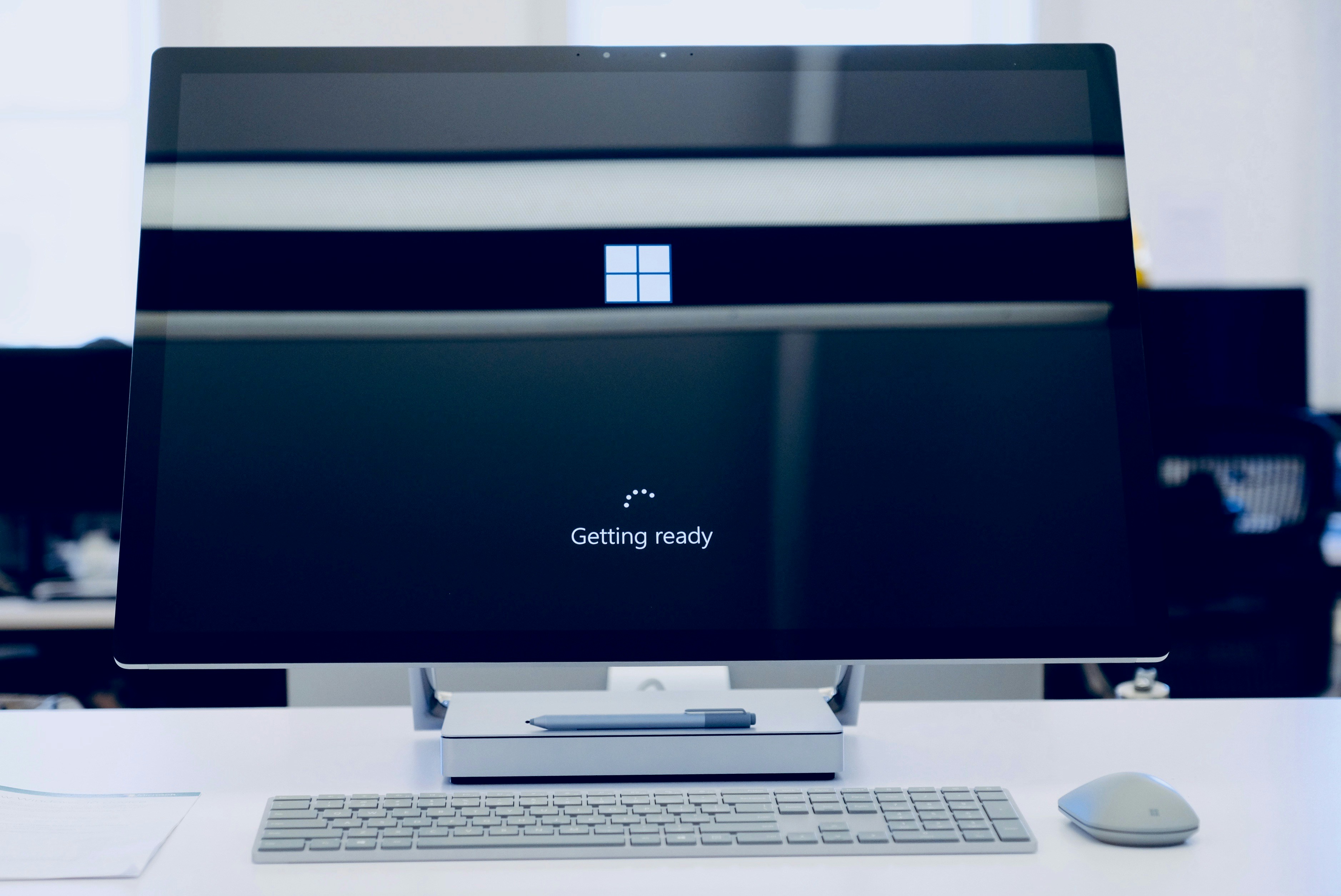
Windows 10 End of Support officially began on October 14, 2025, when Microsoft stopped providing security updates, bug fixes, and technical support. If your business is still running Windows 10, and plenty are, your computers are no longer receiving critical security updates.
Everything still turns on and works like normal, which is exactly why it's easy to put off doing anything about it. The trouble is, the longer you stay on Windows 10, the more security holes pile up that nobody is ever going to fix. For Northern Kentucky businesses, this is especially worth paying attention to because a lot of local offices are still running machines that were set up years ago and never revisited.
So what does it mean for your business, and what are your options?
There are three: upgrade to Windows 11, pay for extended updates to buy some time, or replace the machine.
Let's go through what you're dealing with first.
What "End of Support" means
When Microsoft ends support for a version of Windows, the updates stop. That includes the monthly security patches that fix newly found flaws.
Microsoft has confirmed that since October 14, 2025, Windows 10 gets no more security fixes, quality updates, feature updates, or technical support.
Your PCs don't stop working. Nothing switches off the moment support ends. What's different now is that Microsoft has stopped fixing Windows 10's security flaws.
Attackers and security researchers keep finding new ones, and now nobody's patching them. So every new flaw that turns up is another way into your computers, and it never gets fixed.
Why this is a real risk for your business
This is about more than an old computer running slowly, it's a known security gap that can be exposed. It's also not about how big a business is, or isn't either. A 5-person accounting firm in Ft. Mitchell could be just at risk as a national enterprise, maybe more in fact, since smaller NKY businesses often don't have a dedicated IT team catching this kind of thing.
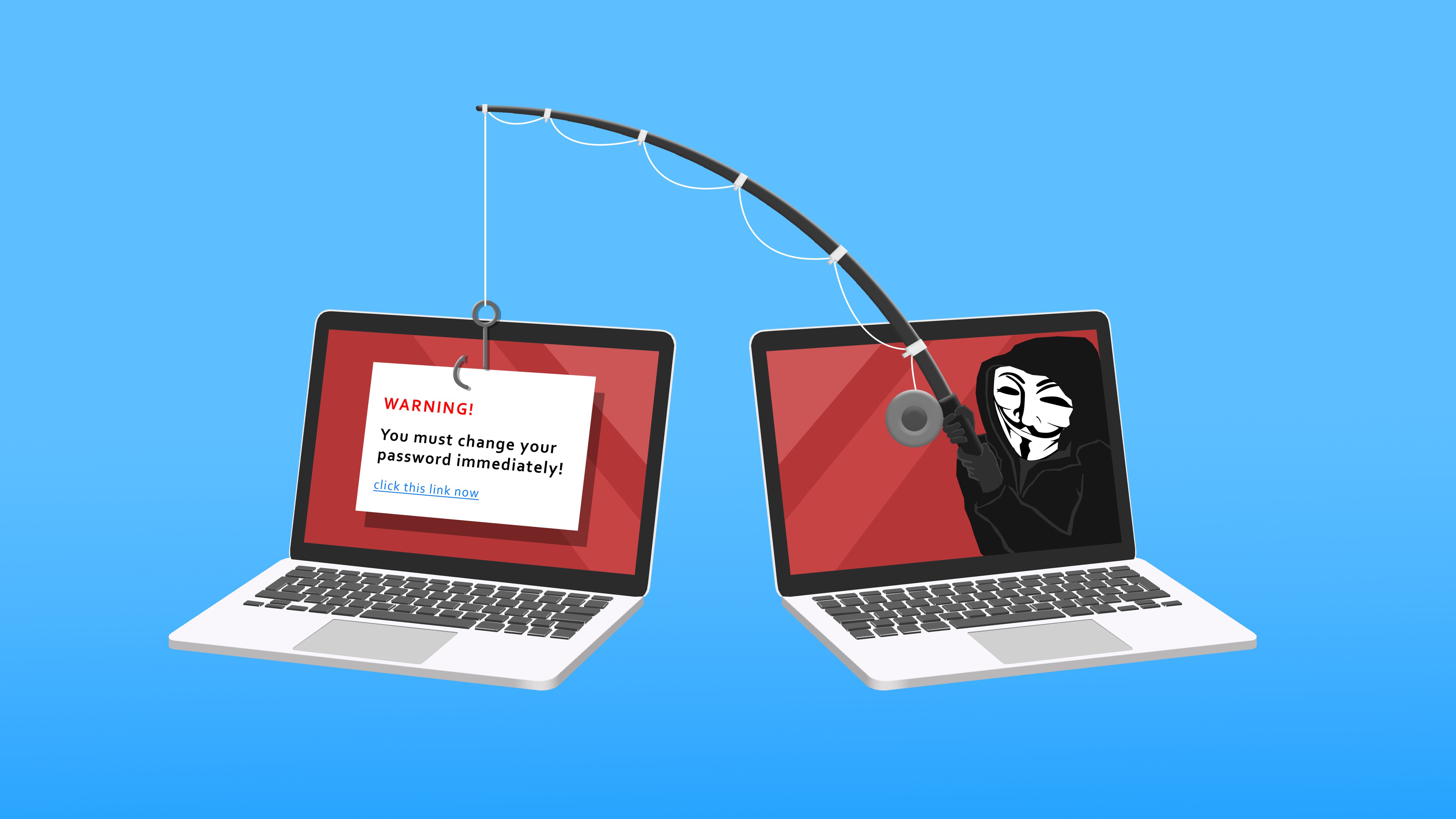
- Attackers seek easy targets. Attackers go looking for computers running software that doesn't get fixed anymore, because they know the flaws will just sit there. The UK's National Cyber Security Centre points out that holes in unsupported products stay exploitable, often by fairly low-skilled attackers.
- You can fall out of compliance. If you handle card payments, health records, or personal data, rules like PCI DSS and HIPAA expect you to run supported, patched software. Windows 10 no longer counts, which can put you out of compliance.
- It can hit your cyber insurance. Insurers are asking more and more whether your systems are supported and patched. Running an unsupported operating system can push your premium up, shrink your coverage, or give the insurer a reason to fight a claim. This is exactly why a security-first approach isn't optional anymore — it's part of staying compliant and insurable.
- Your other software will drop it. Over time, browsers, accounting tools, and other programs stop supporting Windows 10, so the apps you rely on every day can stop updating, or stop working altogether.
CISA puts running supported, updated software on its short list of basic security steps for businesses.
Your three options
You've really got three options, and most businesses end up mixing them across their computers.
1. Upgrade to Windows 11 (Free, if the hardware qualifies)
If you bought the PC in the last few years, upgrading to Windows 11 is free, and it's usually the right move. The catch is the hardware. Windows 11 needs a supported processor, TPM 2.0, and Secure Boot, and that rules out a lot of older machines. To check whether a particular PC qualifies, run Microsoft's free PC Health Check app, or call the Simple IT Support Team at 859-449-7878.
2. Buy Extended Security Updates as a bridge
If a PC can't move to Windows 11 yet, Microsoft provides an Extended Security Updates (ESU) license to keep the security patches coming for a while longer. This is a short term fix, however, and the cost for the ESU license could be better allocated to a replacement device capable of supporting Windows 11.
ESU gives you security patches and nothing else. No new features, no real tech support. It's there for the singular purpose to buy you time, while you sort out the upgrade or a new machine. Consider it as a temporary fix, like the little replacement tire in your trunk. An ESU license can get you by, but it shouldn't be your long term plan.
3. Replace the PC
Some machines are just too old for Windows 11 and not worth paying ESU on year after year.
For those, buying a new PC that already runs Windows 11 usually works out cheaper, once you add up the ESU fees and the cost of keeping an old machine going.
How to plan the move
You don't have to do all of this at once, but you do need a plan. A sensible order looks like this:
- Make a list of every computer still on Windows 10.
- Check which ones can move to Windows 11, using the PC Health Check app or your IT provider.
- Upgrade the ones that qualify. It's free, and it keeps your files and programs in place.
- For the rest, choose between an ESU license as a short term option to buy time, or make the full term commitment to replace the machine, depending on how old it is and what it's used for.
If you're already working with Simple IT, we can review your computer inventory quickly, and guide you on the best option for each machine.
Need Help Planning Your Next Step?
Windows 10 End of Support is more than just a software update milestone. It's an important reminder to make sure your business devices remain secure, supported, and ready for whatever comes next. Taking action now can help reduce security risks, avoid unexpected downtime, and keep your team productive.
At Simple IT, we're here to make sure your technology supports the way you do business, not hold it back. As a local Northern Kentucky team, we take the time to understand your environment and recommend the right path forward, whether that's upgrading to Windows 11, replacing devices that no longer meet today's security requirements, or creating a transition plan that minimizes disruption to your business.
Our tech support experts can assess your current devices, explain your upgrade options, and help you create a practical plan that aligns with your business goals and budget. Schedule your free IT device assessment online, give us a call at 859-449-7878, or email info@simple-it.us. We'll be ready when you are! 🖥️
_________________________________________________________________________________________________________
Article used with permission from The Technology Press.